Guide · for hiring teams and candidates
How it works
Every screenshot below comes from the real product, captured by our automated test run. A hiring team sets up a trial and invites a candidate, the candidate does the work in a private sandbox, and the team reviews it and decides. Pick a side and step through.
Steps34
ScreensReal product
Hiring team · step 1 of 19
Create your workspace
One form. You become the owner of your company's workspace and can invite teammates from Settings. The demo on the landing page skips this and opens a workspace that already has candidates at every stage.
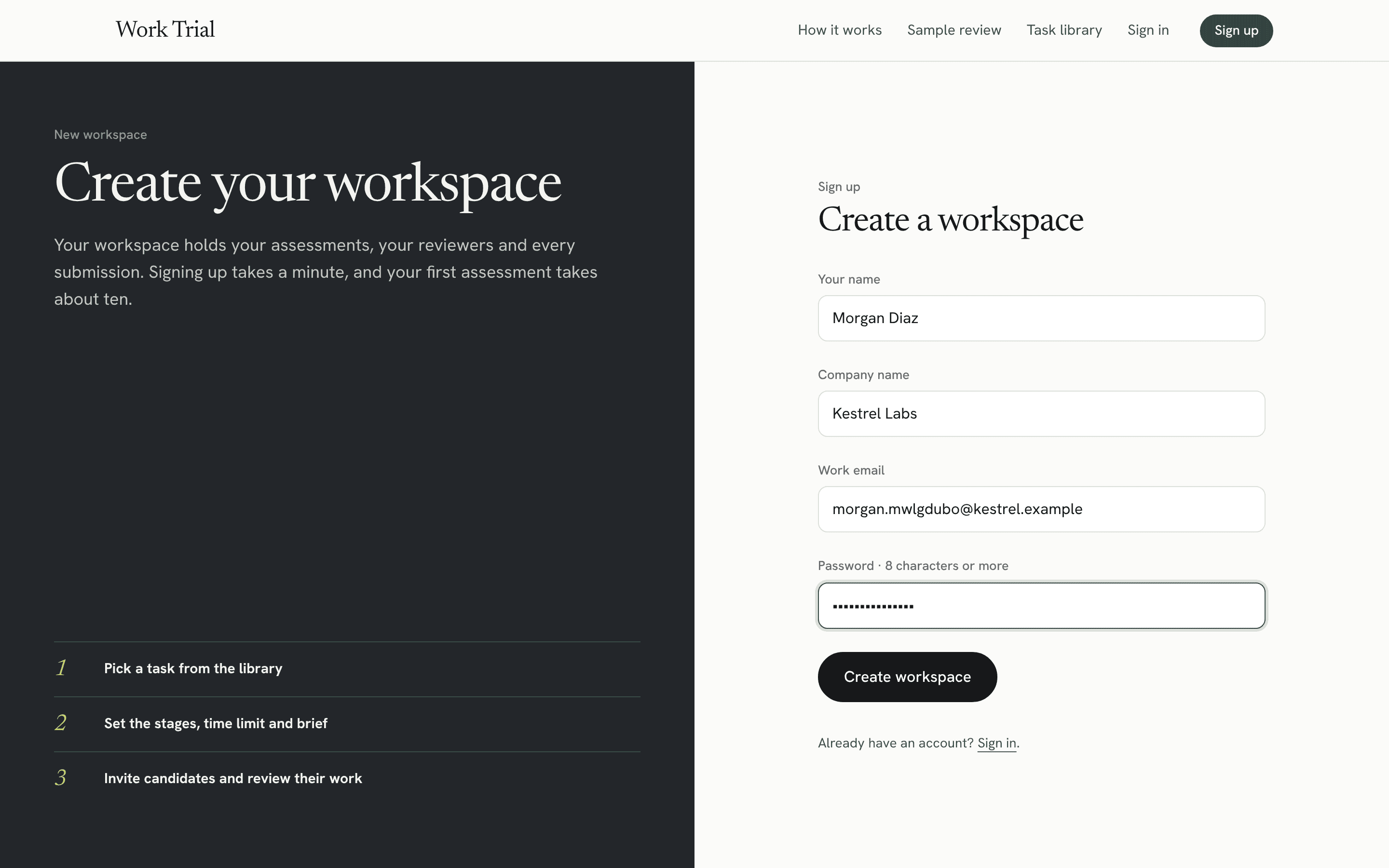
1Candidates see your company name on their invite.
2You land on an empty dashboard, ready for your first assessment.
← → keys step through · hover a number to find it on the screenOpen full size